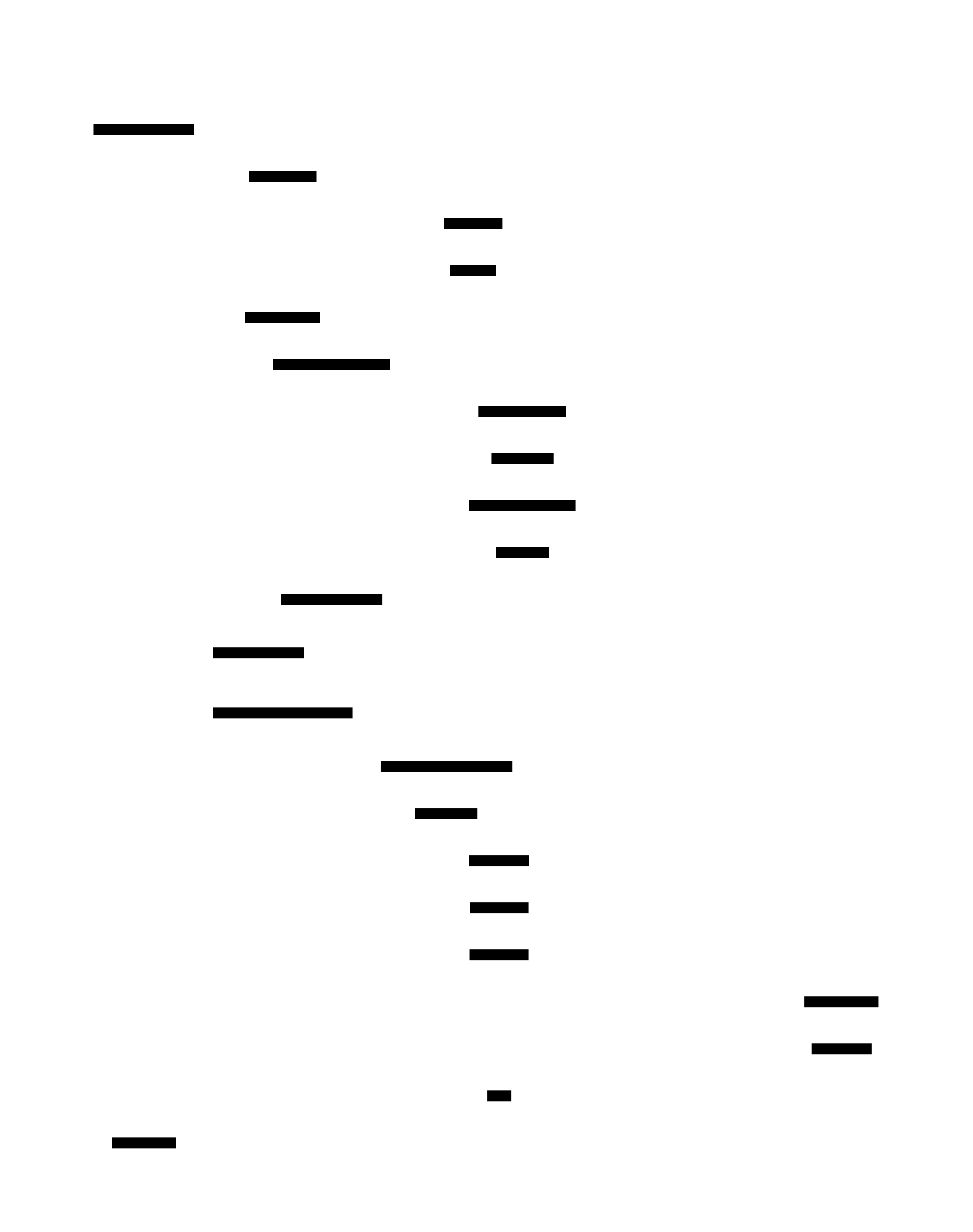
Command Execution Sequence Diagram
This diagram shows the temporal flow from CLI invocation through discovery, runtime selection, and execution. Understanding this flow helps with debugging and extending Invowk.
Main Execution Flow
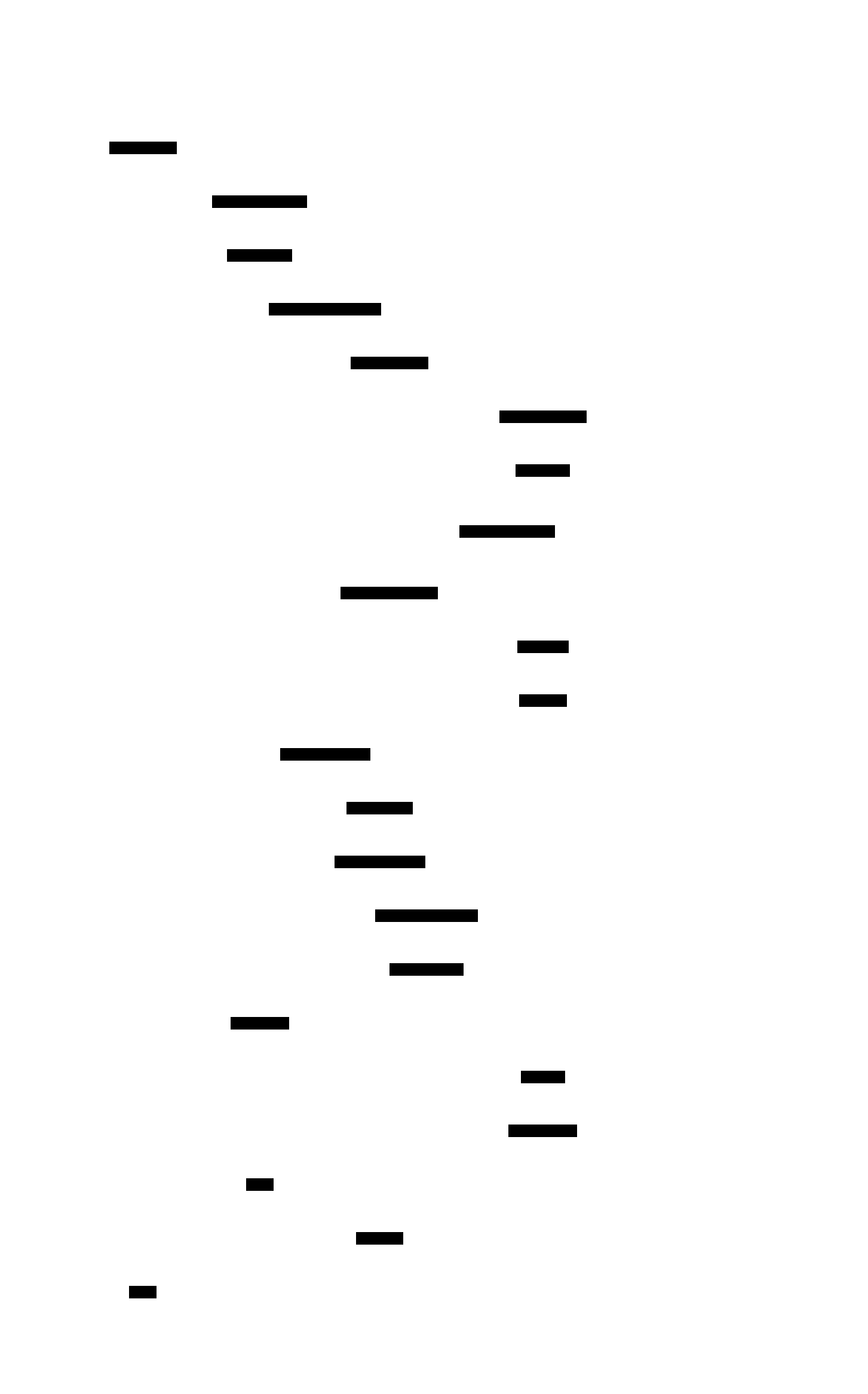
Container Runtime Flow (Detailed)
When the container runtime is selected, additional steps occur:
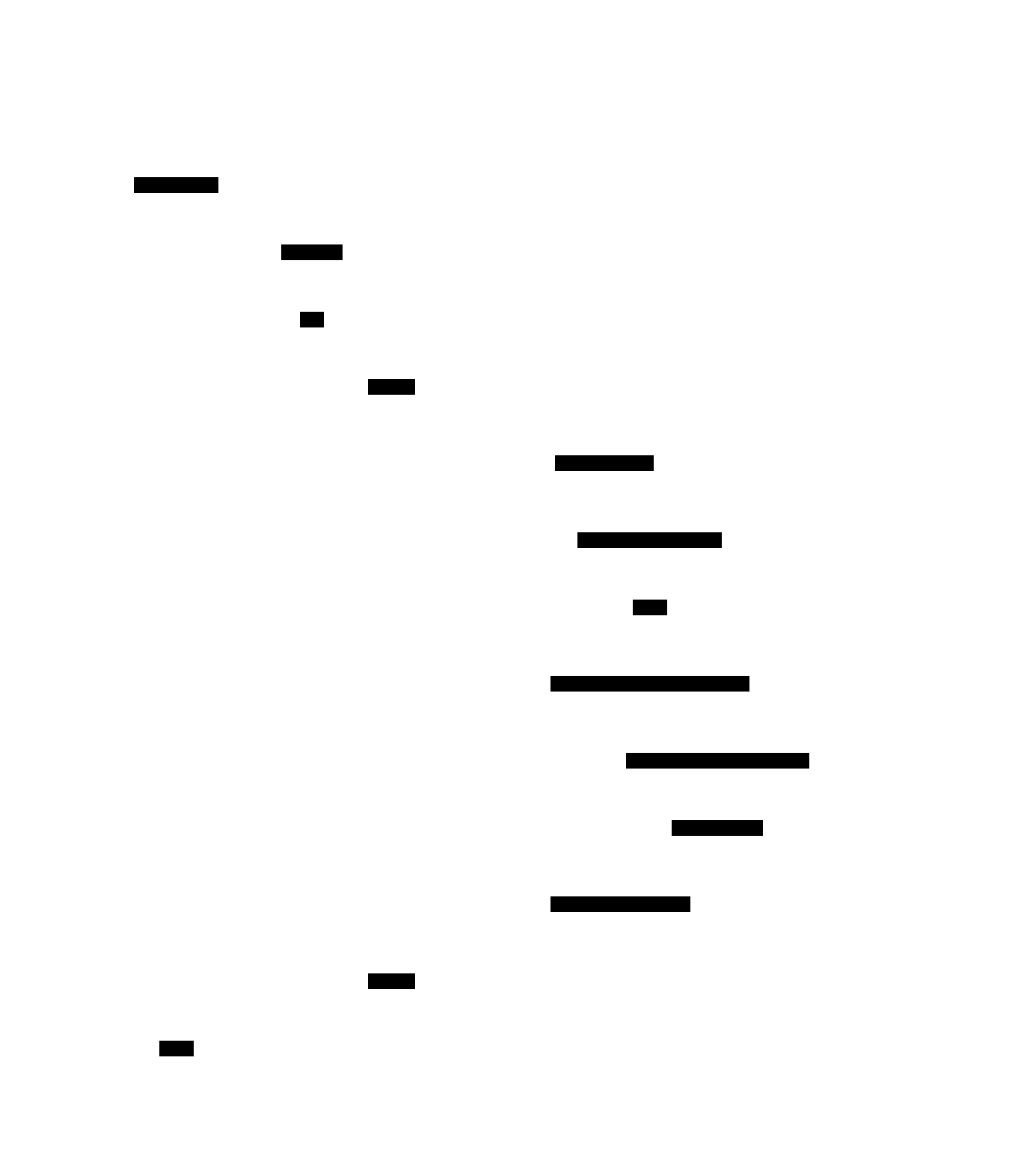
Virtual Runtime Flow
The virtual runtime uses the embedded mvdan/sh interpreter:
Phase Descriptions
1. Initialization Phase
| Step | Component | Action |
|---|---|---|
| 1 | CLI | Receive user command |
| 2-4 | Config + CUE | Load and parse ~/.config/invowk/config.cue |
Key decisions made:
- Container engine preference (docker vs podman)
- Search paths for invowkfiles/modules
- Default runtime if not specified
2. Discovery Phase
| Step | Component | Action |
|---|---|---|
| 5 | Discovery | Start command discovery |
| 6-7 | CUE Parser | Parse all invowkfile.cue files |
| 8-9 | CUE Parser | Parse all *.invowkmod directories |
| 10 | Discovery | Build unified command tree |
Precedence order (highest to lowest):
- Current directory
invowkfile.cue - Current directory
*.invowkmod - Configured includes
- User commands directory
~/.invowk/cmds/(modules only, non-recursive)
3. Resolution Phase
| Step | Component | Action |
|---|---|---|
| 11 | CLI | Match command name to discovered commands |
| 12 | CLI | Select platform-specific implementation |
| 13-14 | Registry | Get appropriate runtime instance |
| 15-16 | Runtime | Validate execution context |
Platform matching:
- Check for
platforms: ["linux"],["macos"],["windows"] - Fall back to default implementation if no platform match
4. Execution Phase
| Step | Component | Action |
|---|---|---|
| 17 | Runtime | Begin execution |
| 18-19 | Executor | Run the actual script/command |
| 20 | Runtime | Return result |
| 21 | CLI | Output to user |
Runtime-specific behavior:
- Native: Spawns host shell process
- Virtual: Interprets via mvdan/sh
- Container: Provisions image, runs container
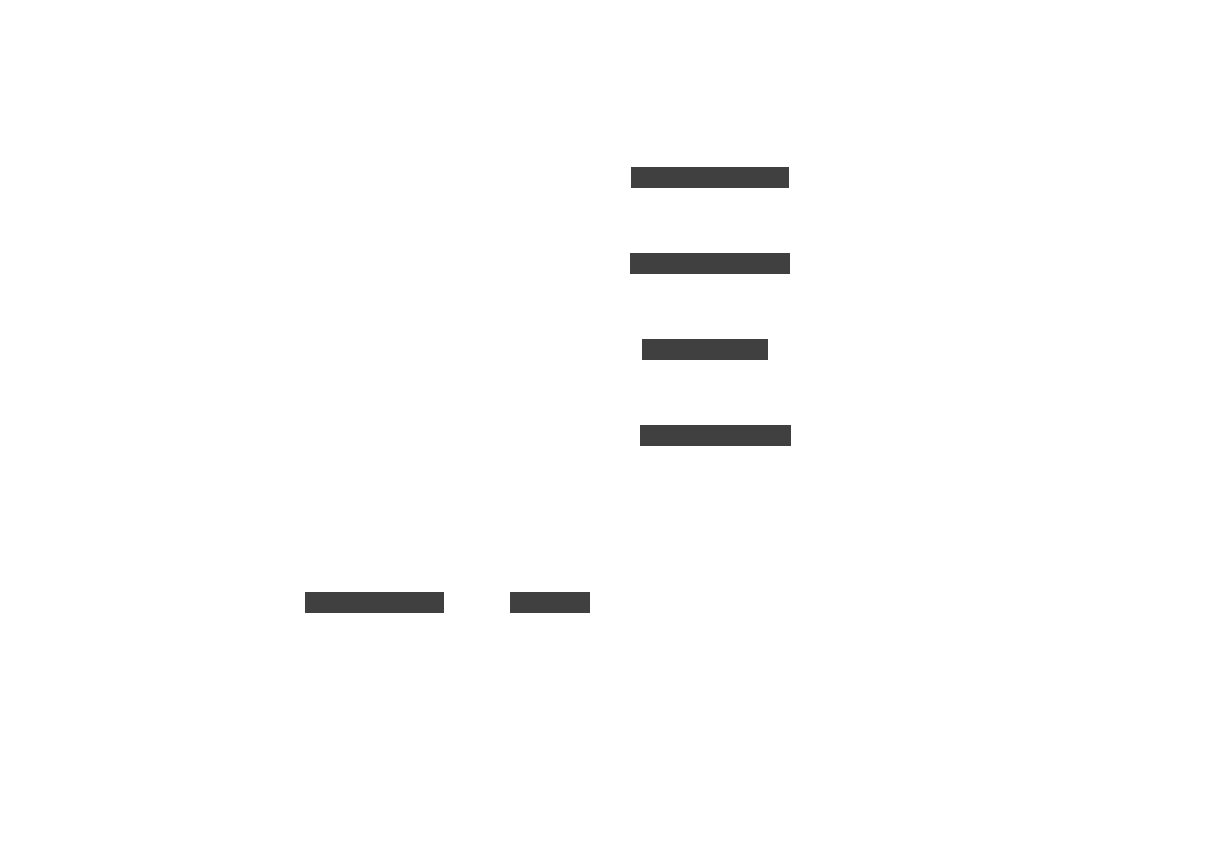
Error Handling Points
Performance Considerations
| Phase | Typical Duration | Optimization |
|---|---|---|
| Initialization | < 10ms | Config cached after first load |
| Discovery | 10-100ms | Depends on number of files/modules |
| Resolution | < 1ms | Simple lookup |
| Execution | Variable | Depends on command |
Bottlenecks to watch:
- Many modules in configured includes → slower discovery
- Large invowkfiles → slower parsing
- Container image pulls → can be minutes
Related Diagrams
- C4 Container Diagram - Component relationships
- Runtime Selection Flowchart - How runtimes are chosen
- Discovery Precedence Flowchart - How commands are discovered